Prepare the scene
Use even light, a steady camera and visible spacing between objects.
Object Counter uses AI to estimate repeated, clearly visible items in a photo. Frame the items, take a photo, then review the count and confidence score.
Scan to download
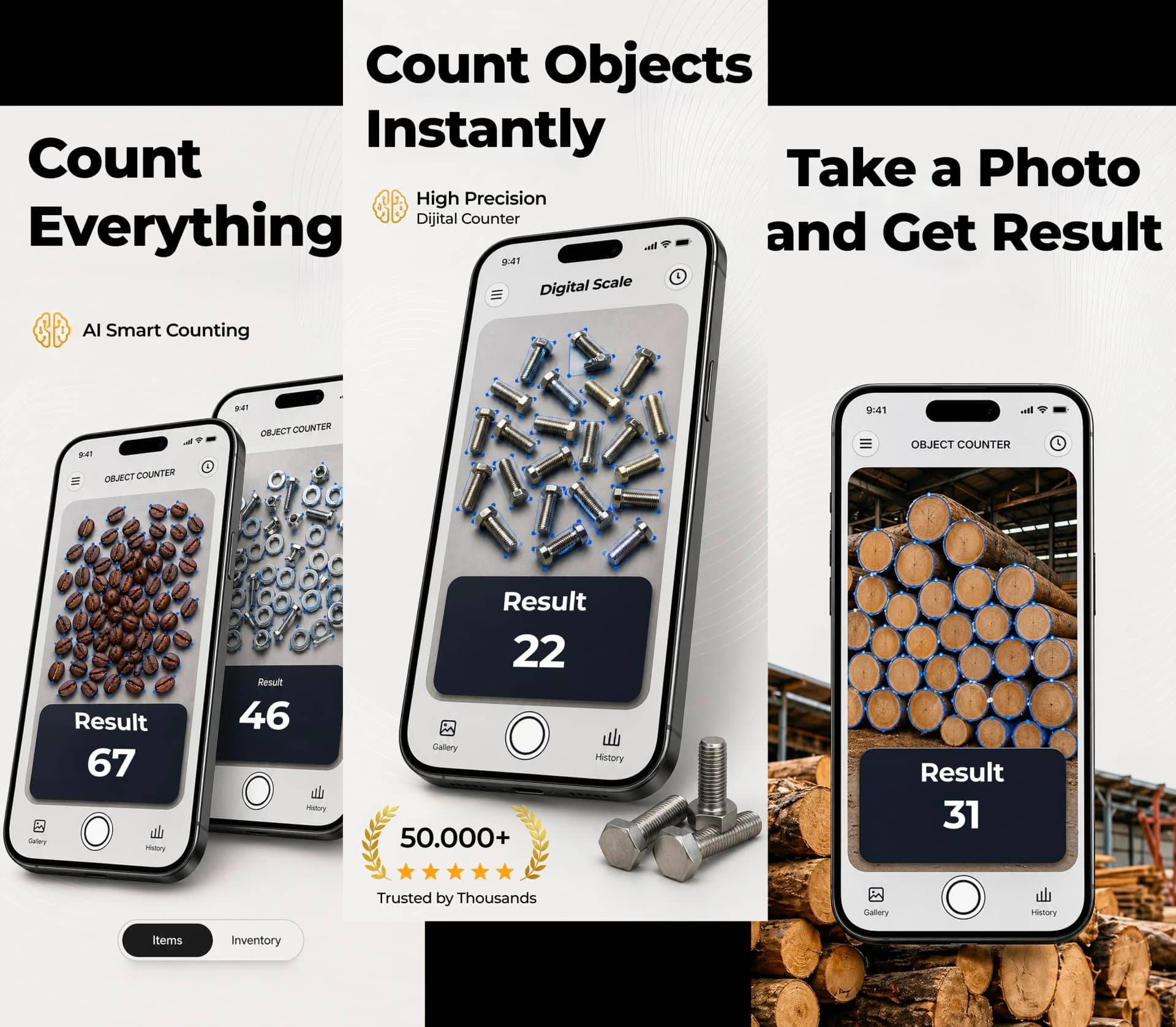
Upload a photo, let AI estimate the total, or tap each item yourself with the always-free manual counter.
Why Choose Object Counter
Object Counter combines photo-based estimates, confidence scores, and history to make repeated-item counting easier to review.
Take one photo and get an AI-assisted count in seconds, reducing time spent on manual counting.
Count common repeated objects such as coins, marbles, pasta, beads, screws, and game pieces. Results vary by scene.
See exactly how confident the AI is in each count. Know when to recount for better accuracy.
Get free scans every day. Upgrade to premium for unlimited counting access whenever you need it.
Review past counts without rescanning. Keep track of your counts over time.
Available in 40+ languages for users worldwide. Select your preferred language in settings.
Photos are sent through a secure gateway for analysis and are not intended for persistent storage after processing.
Frame your items, snap a photo, get your count. That's all it takes to start counting.
How It Works
No complicated setup. No learning curve. Download Object Counter, complete the onboarding, and start counting in seconds.
Place all objects clearly within the camera view. Make sure items are not overlapping for best results.
Tap the button to capture your items. The AI instantly analyzes the image for repeated objects.
View the detected count with confidence score. Review the results and use them as needed.
Transparent counting
Object Counter analyzes one photo of repeated items and returns an estimated count with a confidence score. It works best when the image is sharp, evenly lit and shows clear boundaries between similar objects. Overlap, shadows, blur and mixed object types can reduce reliability. Review the image and repeat the scan when the scene or confidence score raises doubt; use manual or professionally verified procedures when a wrong count could create safety, financial, medical or legal consequences.
Use even light, a steady camera and visible spacing between objects.
Treat the confidence score and detected image as prompts for verification.
Use the app as a workflow aid, not as certified measurement equipment.
Screenshots
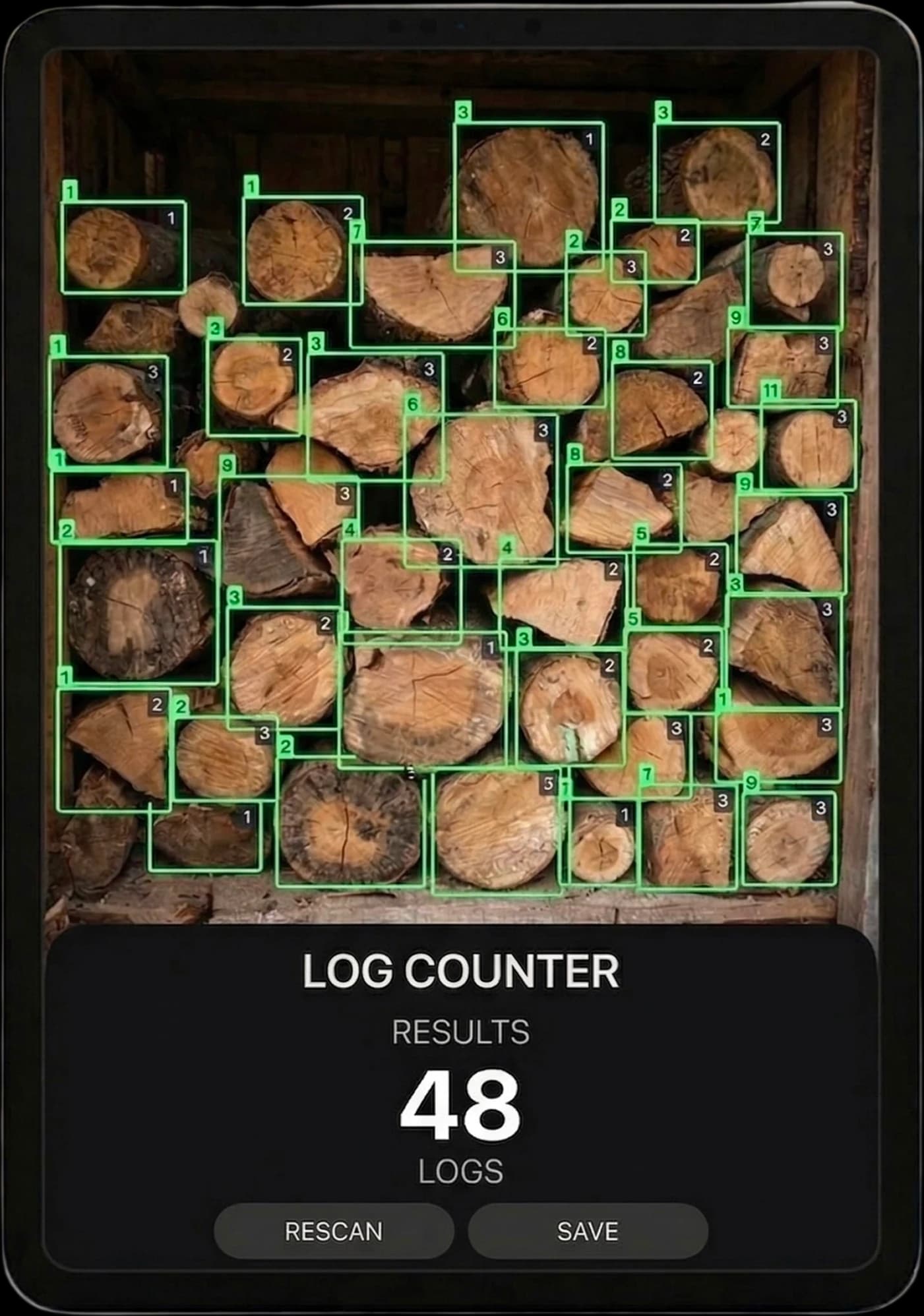
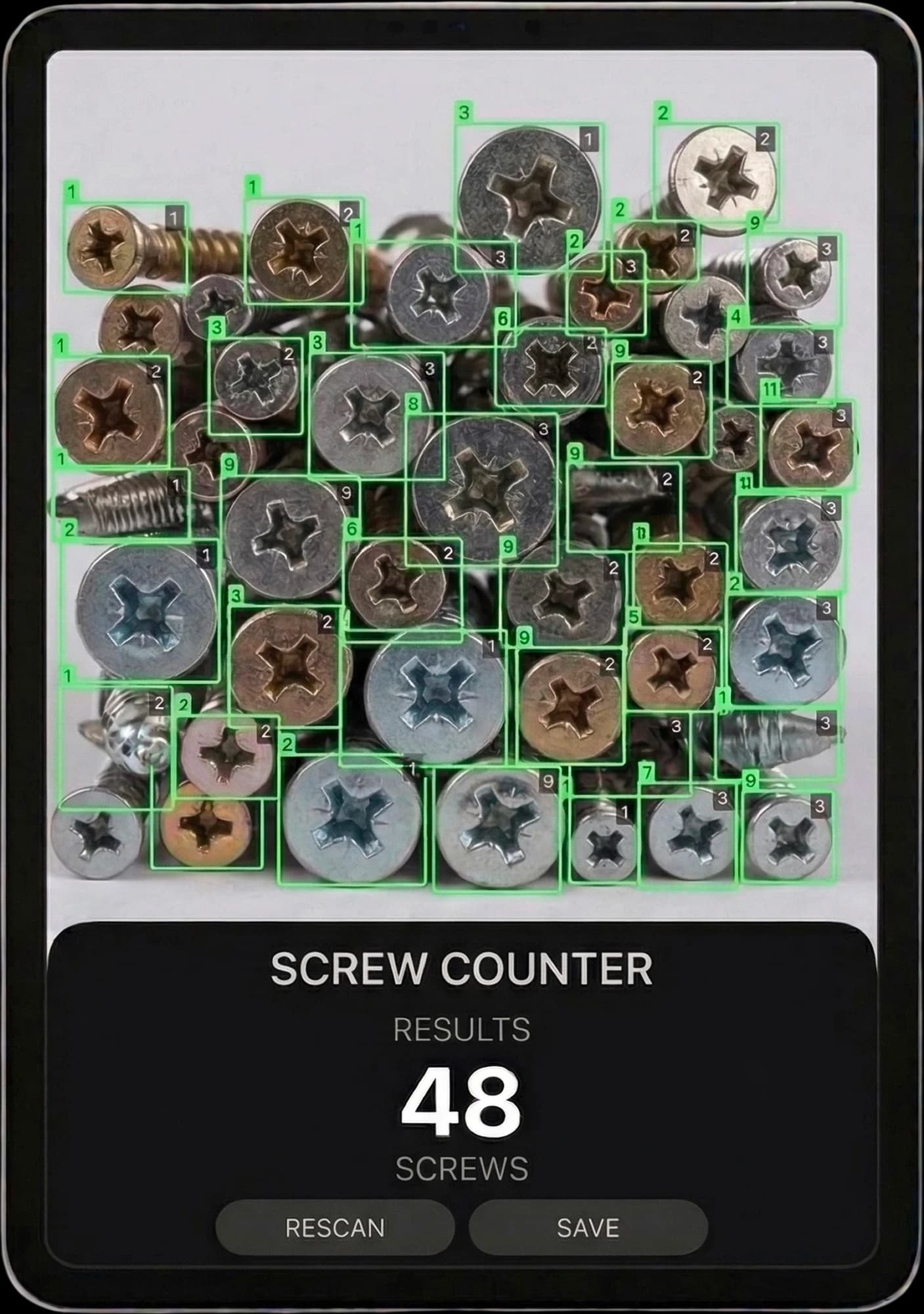
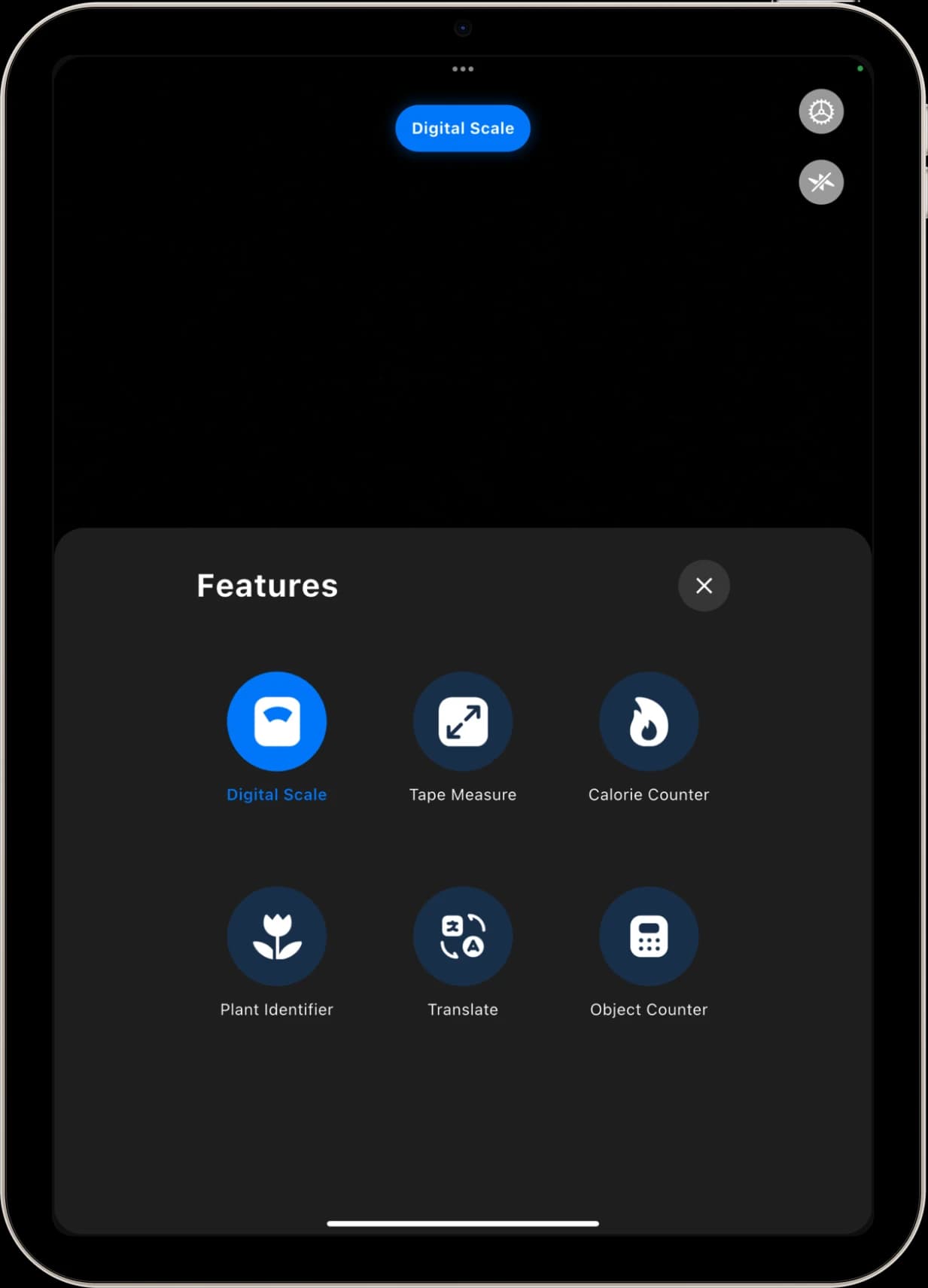
Take a closer look at the Object Counter experience across every platform.
FAQ
Everything you need to know before getting started.
Object Counter is an AI-powered app for iOS and Android that estimates repeated, clearly visible items from a photo. Frame the items, take a photo, then review the result and confidence score before using the count.
Yes - Object Counter is completely free to download on both iOS and Android. You get free scans every day, and an optional premium plan is available for users who want unlimited scanning access.
Object Counter is designed for common repeated items such as coins, marbles, pasta pieces, beads, screws, and game pieces. Results can vary when objects overlap, are partly hidden, or look very similar, so review the confidence score and image.
The app uses AI to estimate the count and provides a confidence score for each result. Accuracy depends on lighting, visibility, overlap, and similarity, so verify the image and recount when the confidence score or scene suggests it.
Object Counter is available on both iOS and Android devices. You can download it from the App Store or Google Play. The app also supports iPad.
Simply download the app, complete the quick onboarding, and you're ready to start counting. Frame your items in the camera, tap to capture, and view your results instantly.
Download Object Counter now and start counting repeated items instantly. Free daily scans included.